
WDesignKit Templates – Make WordPress Site Building Fast and Easy
Build Beautiful WordPress Sites Without Repeating the Same Tasks
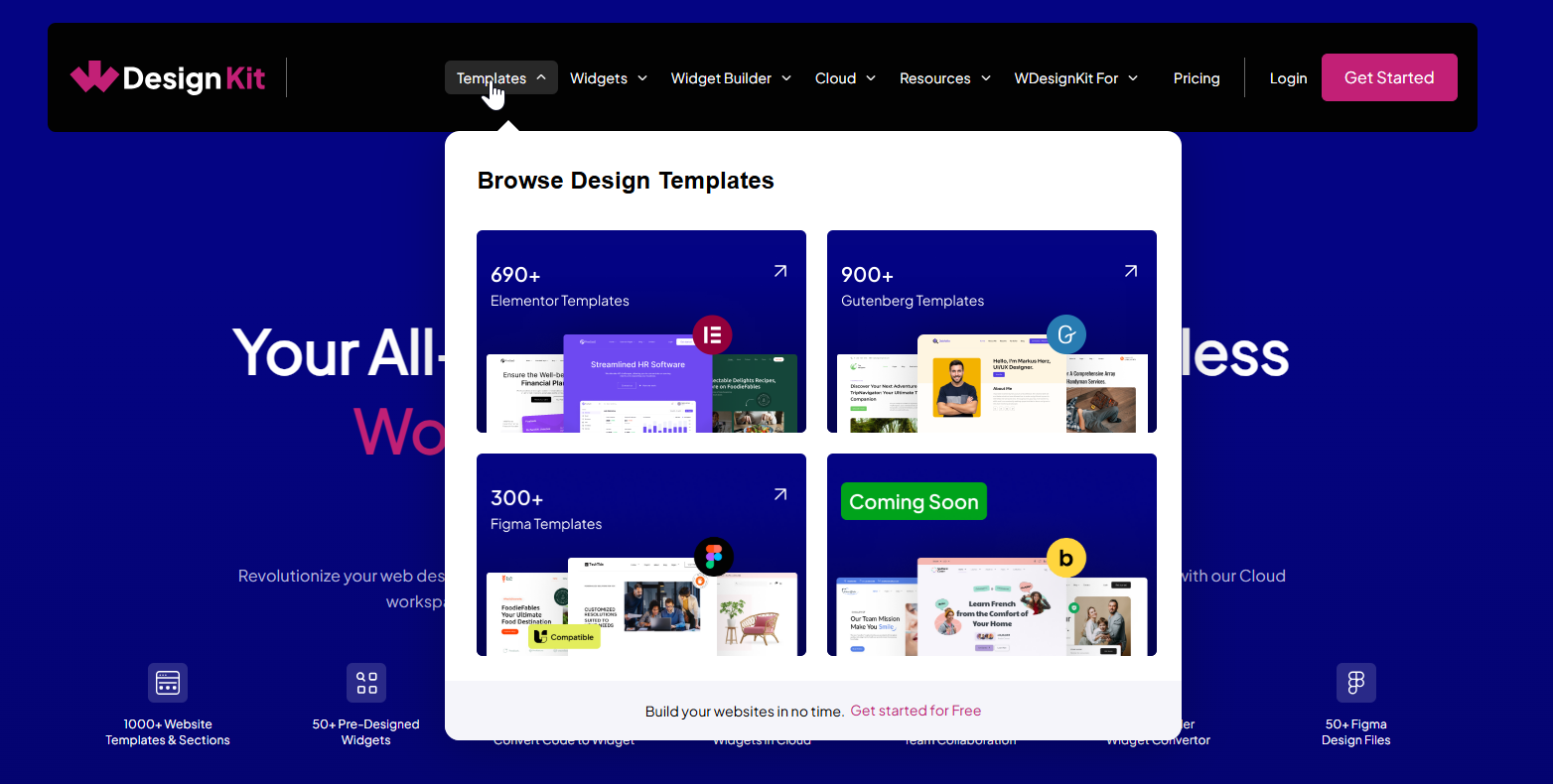
Tired of setting up the same pages over and over again? With the WDesignKit Template Library, you get access to a huge collection of full website kits, individual pages, and sections, all designed to save time and help you deliver polished, professional websites faster.
Why the Template Library Is Worth Exploring
✅ A Wide Variety of Templates for Every Builder
- 100+ Website Kits
- 700+ Full Pages
- 600+ Sections
- 90+Website Kits
- 600+ Full Pages
- 500+ Sections
No matter what kind of site you’re building, business, eCommerce, nonprofit, or something else, you’ll find clean, ready-to-use designs that look great on any device.
Works with Tools You Already Use
For Elementor Users:
The templates are built to work smoothly with Elementor (both Free & Pro)The Plus Addons (both Free & Pro), WooCommerce, Contact Form 7, and more. Just plug in your tools and get going—no extra setup needed.
For Gutenberg Users:
You can use these templates with Nexter Blocks (Free & Pro), WooCommerce, Contact Form 7, and all the core Gutenberg blocks. It’s a flexible setup that keeps things simple without limiting what you can build.
Bricks Support Coming Soon
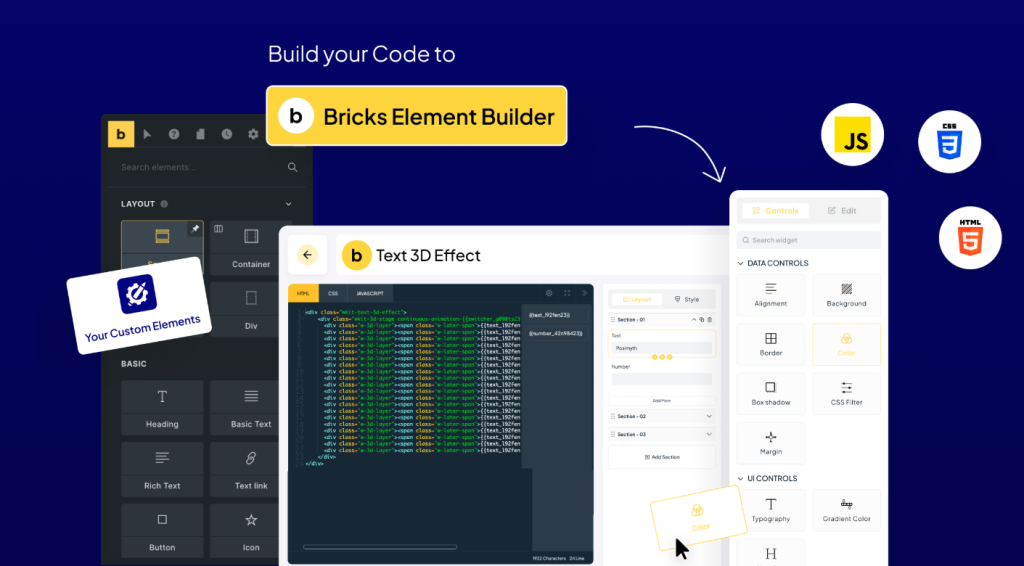
We’re working on bringing full support for Bricks Builder next. You’ll also see integrations for more advanced setups like hotel bookings, appointment systems, and more. It’s all about giving you more options without extra hassle.
Quick, Consistent, and Built for Teams
- Start Fast: No need to build everything from scratch—just pick a template, import it, and make it yours.
- Modern & Responsive: Every kit is made to look great and load fast, whether it’s on desktop or mobile.
- Easy Sharing: Share templates with your team or clients without digging through folders or email chains.
Explore the vast WDesignKit Template Library today and transform how you build WordPress sites!
Bonus: Beyond Templates
We’re not just about templates. WDesignKit also offers widgets, a widget builder, Figma designs, a cloud workspace, and more to optimize your entire WordPress design workflow. Dive in and discover how WDesignKit can simplify your next project!
It’s More Than Just Templates
WDesignKit isn’t limited to templates. You also get a growing library of ready-to-use widgets, a widget builder to turn your code into reusable blocks, Figma design files, and a cloud workspace to keep everything organized. It’s built to make your entire WordPress workflow smoother, from design to delivery.
Keep reading
Introducing the All-in-One Cloud Workspace
Your Private Hub to Store, Organize, and Share WordPress Design Assets Designing websites often involves juggling files across local folders, cloud drives, multiple tools, and endless zip exports. We have been there. That’s exactly why we created the WDesignKit Cloud Workspace, a centralized, secure space to manage everything from website templates and widgets to Figma …
2 min read
Introducing the 1-Click Widget Convertor
Build Once. Use Anywhere. Tired of rebuilding the same widget over and over for Elementor, Gutenberg, or Bricks?We hear you. That’s why we built the 1-Click Widget Convertor, a time-saving feature inside the WDesignKit Widget Builder that lets you instantly convert widgets between major page builders. No more duplication, no more frustration. Just design once, …
3 min read
Introducing the WDesignKit Widget Builder
Build Once. Reuse Everywhere, No Coding Required. Building custom WordPress widgets used to mean juggling plugins, writing custom code, and dealing with scattered backups. After years of creating websites and talking with agencies, we noticed a recurring pain: creators needed a unified, easy-to-use system to build and reuse widgets across page builders, without relying on …
2 min read